Common Problems
Thermador Oven Beeping: What Each Pattern Is Telling You
Work out what is on the display when it beeps. A finished timer, a probe reaching its target and a door left open during a cycle each beep and each clears differently. Beeping with a code, or beeping on an oven with no display and blinking lights, is the appliance reporting a condition — and that one does not stop until the condition is dealt with.
The full guide
Look at the display while it beeps
That is the whole method. These ovens use one sound for several unrelated situations, so the sound alone tells you very little and the display tells you nearly everything.
If your oven has no display, skip to the last section — the lights are doing the talking.
The ordinary ones
A timer that finished. Beeps at intervals rather than continuously. Touch the timer key to clear it. It is the single most common reason an oven "will not stop beeping", and it happens most often when a timer was set on a cavity nobody is using.
A probe reaching its target. If the meat probe is plugged in and has hit the temperature you set, the oven beeps and stops heating. Unplug the probe or set a new target.
Preheat reached. One or two beeps and it stops. That one is the oven doing its job.
A door left open during a cycle. The oven does not sit quietly and let heat out; it tells you.
The control lock. A beep and a refusal when you touch anything. Look for the small lock symbol, and hold its key rather than tapping it.
The ones that mean something
Beeping with a code on the display. Photograph it before you touch anything — a reset clears the code as well as the state, and that photograph is the most useful thing in the house.
The common ones on these ovens, and what they are about:
- A latch condition, which is why a self-clean cycle will not start or a door will not release
- A temperature sensor reading open or shorted
- A cooling fan turning too slowly, which protects the cabinetry
- A cavity over temperature with the door unlocked, which is the one to act on today
Each has a page in the code archive with what it covers and what to check.
Beeping that resumes after a reset. That is the appliance telling you the condition is real rather than transient, which is genuinely useful information obtained in five minutes.
A door that beeps during a clean cycle is the latch, and the latch has four published conditions of its own on this make. What to do — and what not to do. The short version: do not pull at a locked door.
On an oven with no display
The Professional wall ovens without a screen still have codes; they blink them out on three small lights. Left light, middle light, right light — one group of blinks per digit — then all three light together for a second and the sequence repeats.
One blink, one blink, five blinks is E115. Film one full sequence on your phone before you cut the power. How to count them properly.
Silencing it while you decide
Most of these ovens have a signal-volume setting, and some allow the tones to be turned down or off for timers. That is fine for a timer. It is a bad idea for anything that is reporting a condition — you would be removing the only thing telling you the oven is unhappy.
If the beeping is constant and you need the kitchen tonight: cut the power at the breaker for five minutes. If it comes back, it was never a glitch.
When to call
Beeping with a code that survives a five-minute reset, a locked door on a cold oven, or any beeping alongside an oven that is heating with nothing selected. Tell us the code — or the blink count — and we will tell you what it covers before anybody comes out.
If it turns out to be a repair
What this leads to, and what it costs
Every job on this site is priced the same way: an on-site diagnostic first, the figure agreed in writing before anybody starts.
-
The lights are the code Oven blinking lights and no display
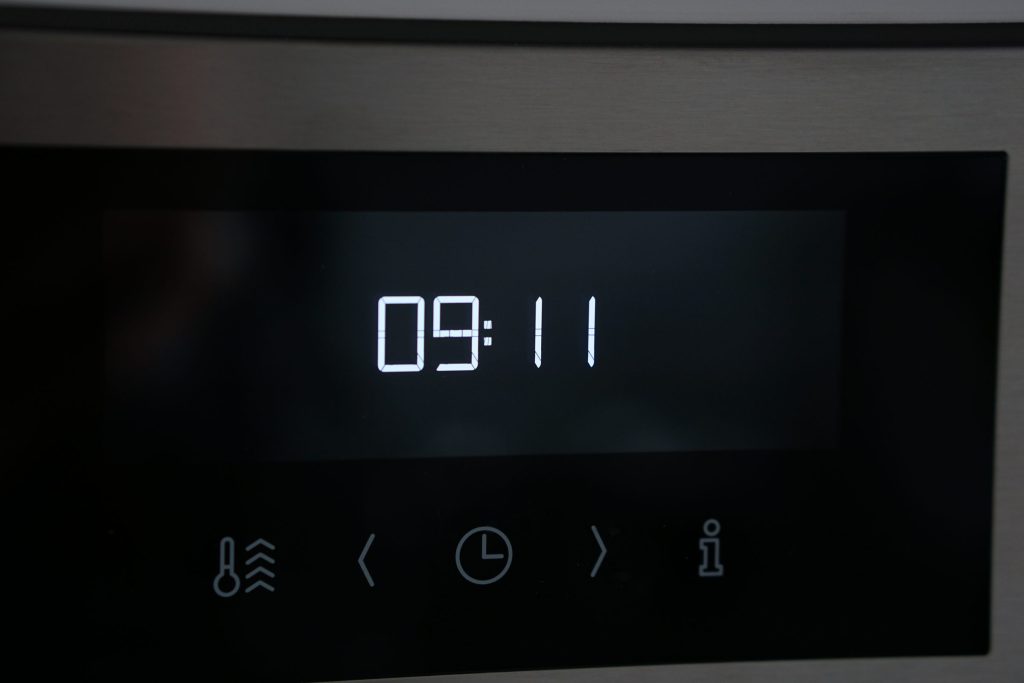
On the Professional wall ovens without a digital display, three small lights blink out the digits of an error code. Count the blinks and you have a number you can look up.
- Three lights blinking in sequence
- A pause, then all three lit together
- No display and no code on screen
-
Often steam, not electronics Oven controls not responding
A touch panel that ignores you, repeats itself, or reports a key held down. On a panel above a cooktop the usual cause is condensation, and it clears when the panel dries.
- Panel unresponsive or erratic
- A code about a key being held
- Dead panel with no lights at all
-
Do not force it Oven door locked shut
A self-clean cycle that has finished and a door that will not open. The latch releases on temperature rather than on a timer, and forcing a professional door turns a small repair into a large one.
- Door locked after a clean cycle
- Self-clean that will not start at all
- A latch code in the hundreds
-
Masterpiece · Professional · Steam · Speed Wall ovens & steam ovens
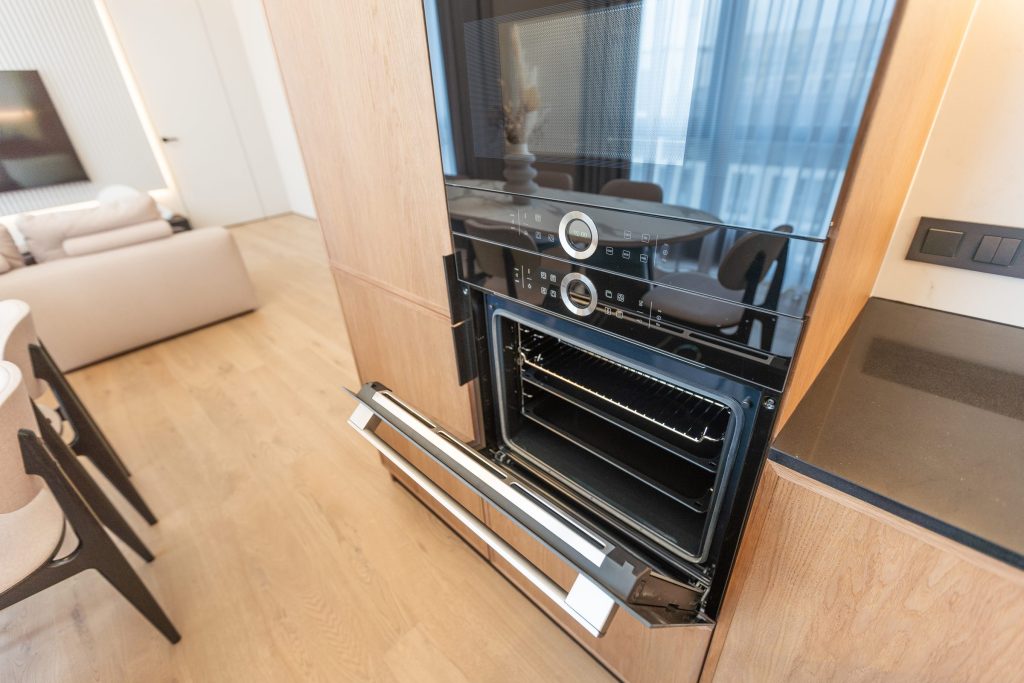
Built in at eye level, often two cavities in one cabinet, and increasingly one of the two is a steam oven with a water circuit of its own. "The oven is broken" almost always means one cavity of the pair, and which one narrows the job considerably.
- Not heating or not holding temperature
- The touch panel unresponsive after a long cycle
- The door locked after a self-clean
Questions people ask about this
It beeps and there is nothing on the display.
On a Professional wall oven without a screen, look at the small lights on the panel. Three of them blink out the digits of a code in sequence, then all three light together for a second. Count each group and you have a number to look up.
How do I stop the timer beeping?
Touch the timer key, or any key on some models, and it clears. A timer that has finished will beep at intervals rather than continuously — that pattern alone usually identifies it.
It beeps during self-clean.
Check the door. A clean cycle will not start with a door it cannot lock, and the oven says so rather than starting quietly. If it beeps after the cycle, look for a latch condition.
It beeps when I try to set anything.
Usually the control lock. Hold the key with the lock symbol for a few seconds rather than tapping it — tapping is why people conclude the panel has failed.
It beeps for no reason at random times.
There is always a reason, and the useful move is to be in the kitchen when it happens and look at the display. A code that appears and clears is still a code, and it will come back.
Common Problems
More guides like this one
-
Why a Thermador Oven Takes So Long to Preheat — and When That Is Normal
A large professional cavity genuinely takes longer than the 30-inch oven it replaced, and the preheat signal does not mean what most people think it means. Then the two cases where slow preheating is a real symptom.
Read more -
Why a Thermador Oven Is Loud, and Which Noises Matter
A fan that keeps running after the oven is off is designed behavior and the most common is-my-oven-broken call there is. The four noises these ovens make, which one has a published code of its own, and when to stop wondering.
Read more -
Your Thermador Cooktop Keeps Clicking After the Burner Lights
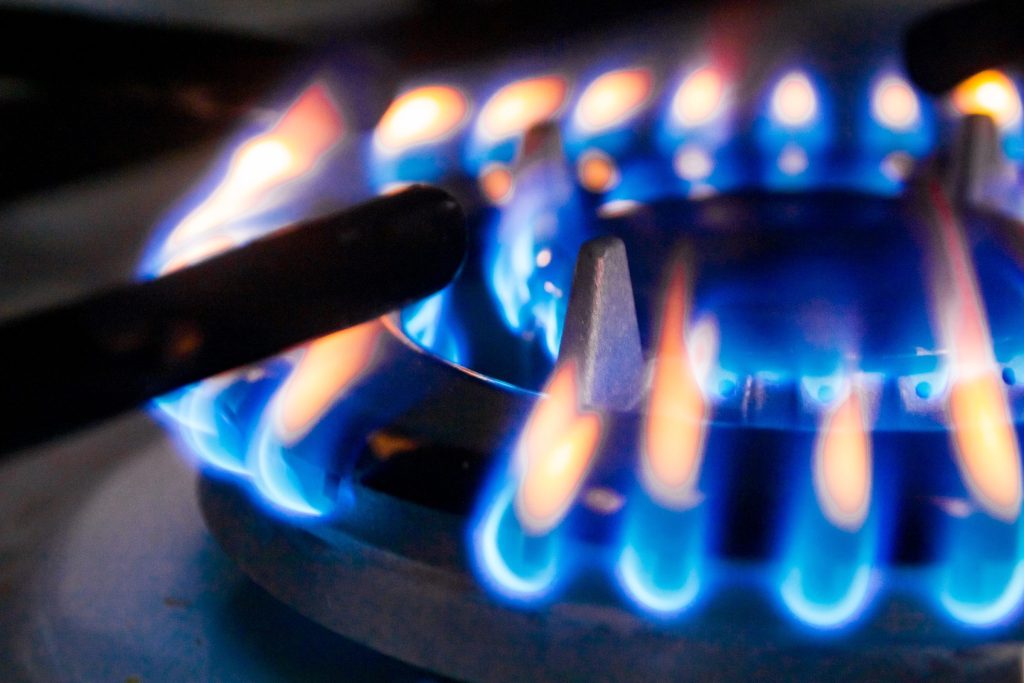
The burner lit — and the clicking carries on. Moisture, a cap a millimeter out of place, a cracked electrode, and why a sealed burner keeps sparking until it is satisfied the flame is really there.
Read more
Tell us the model number and what it is doing.
This article is based on:
- Official manufacturer documentation
- Internal repair procedures
- Technician repair history
- Company quality standards