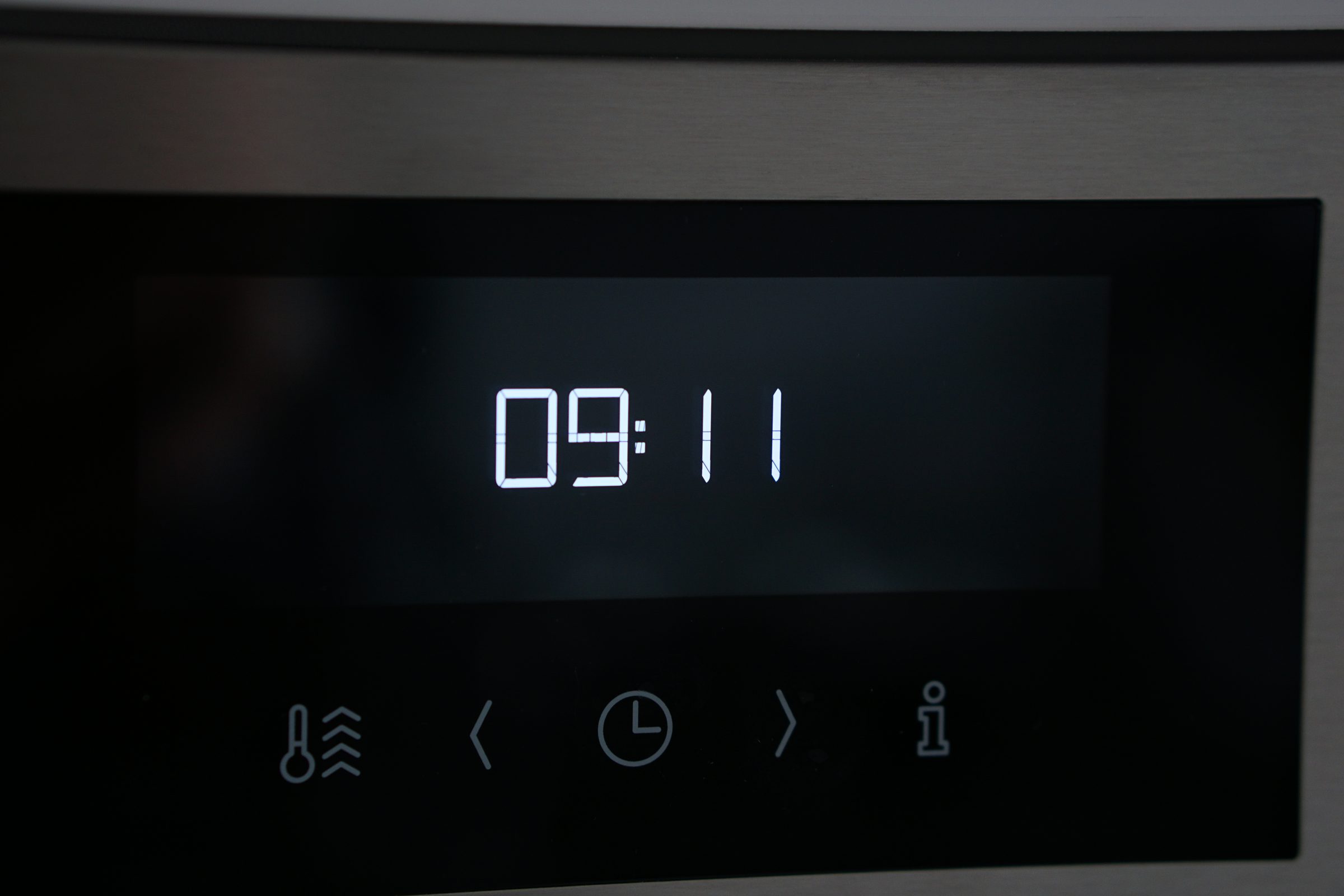
- “Three lights blinking in sequence”
- “A pause, then all three lit together”
- “No display and no code on screen”
Symptom
Thermador oven blinking lights and no display
On the Professional wall ovens without a digital display, three small lights blink out the digits of an error code. Count the blinks and you have a number you can look up.
- From $95 diagnostic, credited to the repair
- 59 cities and neighborhoods covered
- OEM parts available on order
- In writing the price, before anything is opened
Five ordinary causes
What this usually turns out to be
Cheapest and commonest first, which is also the order we check them in. They sit hundreds of dollars apart, and only the unit settles which one is yours.
-
Whatever the number turns out to be
The blink pattern is not a condition in itself. Count it, then read that code — every one of them has a page here with what it covers and what to check.
Diagnostic visit from $95 -
A temperature sensor, most often
Codes in the low hundreds are the cavity sensor open or shorted, and they are the commonest ones to be blinked out on these ovens.
Oven element and sensor repair from $185 -
The self-clean latch
Another frequent one, and the reason a door will not lock or will not release.
Oven door lock repair from $155 -
Cooling fan supervision
The oven reporting that its fan is turning too slowly. It protects the cabinetry rather than the food, and it is worth attending to.
Oven element and sensor repair from $185 -
A control or interface board
The three-hundred codes are the control module testing itself. Those are the least common and the most likely to need a part.
Control board replacement from $340
In five minutes
Before you call anybody
None of it needs tools, and all of it makes the visit shorter.
-
01
Watch a full sequence twice
It repeats. Count each group of blinks separately, left light then middle then right, and write down three digits.
-
02
Note where the sequence ends
All three lights on together for a second marks the end of the code, so you know where to start counting again.
-
03
Look the number up here
Type it into the code archive on this site. The page will tell you what the code covers and whether it is something to try yourself.
-
04
Photograph or film it
A phone video of one full sequence is the single most useful thing you can give a technician on these ovens.
How it shows up
What people describe when they call
A shortcut
Narrow it down before anybody arrives
A description of the behaviour leaves a few possible causes. A code names the subsystem before anybody opens anything, which is why it is worth photographing before it clears.
If the display is showing something
- E101 Cavity sensor open
- E106 Latch will not lock
- E115 Hot with door unlocked
- E118 Cooling fan too slow
Photograph it before it clears — codes do not wait. Search the full code list
In more detail
About Thermador oven blinking lights and no display
The lights are the code, and they are readable
This is not a warning light and it is not a random flash. The left light blinks the first digit, the middle one the second, the right one the third — then all three come on together for a second and the sequence repeats. One blink, one blink, five blinks is E115.
Why an oven with no screen still has codes
These ovens were built with the same diagnostics as their displayed siblings and no display to put them on. The manufacturer's answer was three LEDs on the user interface blinking at half a second on, half a second off, one group per digit. The service manual's own worked example is error code 115 — one blink, one blink, five blinks — and every code in the table is communicated the same way.
What to do with the number
Look it up. This site has a page for each of these codes with what it covers, what to check first, and whether it is something to act on yourself. A blinking oven is not a mystery on this make — it is a code that has to be counted rather than read.
This article is based on:
- Official manufacturer documentation
- Internal repair procedures
- Technician repair history
- Company quality standards
Before you book
Questions about thermador oven blinking lights and no display
Which models do this?
The Professional Series built-in wall ovens without a digital display. On models that have a display the same code appears as a number to the right of the clock instead, and it is cleared by touching plus and minus together.
How do I count a zero?
A digit with no blinks. It is easier to see once you know the sequence always ends with all three lights on together — that marker is what tells you a light simply had nothing to say.
Is a blinking oven urgent?
It depends entirely on the number. A latch code can wait; a code that means the cavity is over temperature with the door unlocked cannot. Reading it is what tells you which you have.
Where we do it
Across Miami-Dade, Broward, and Palm Beach
Same terms everywhere we go: an on-site diagnostic first, the price agreed in writing, and the exact figure confirmed once we have seen the unit.
Neighborhoods people ask for by name