Troubleshooting
Resetting a Thermador Oven After a Power Outage
Cut power at the breaker for five minutes — genuinely off, not standby — then restore it and set the clock. That clears the transient states a surge leaves behind. If a code returns after a full five-minute reset, it is reporting something real rather than something confused, and that is worth knowing before anybody is booked.
The full guide
Before you reset anything
Photograph the display.
It is the one step you cannot go back and do later, and it is the step everybody skips. A reset clears the code along with the state, and by the time a technician arrives the oven will usually be showing nothing at all — so the most useful evidence in the house has been erased by the thing you did to try to fix it.
Get every character, including the first digit. On a double or triple oven that digit is the cavity: a code beginning E1 is the upper cavity and E2 is the lower one, and knowing which halves the diagnosis before anybody opens anything.
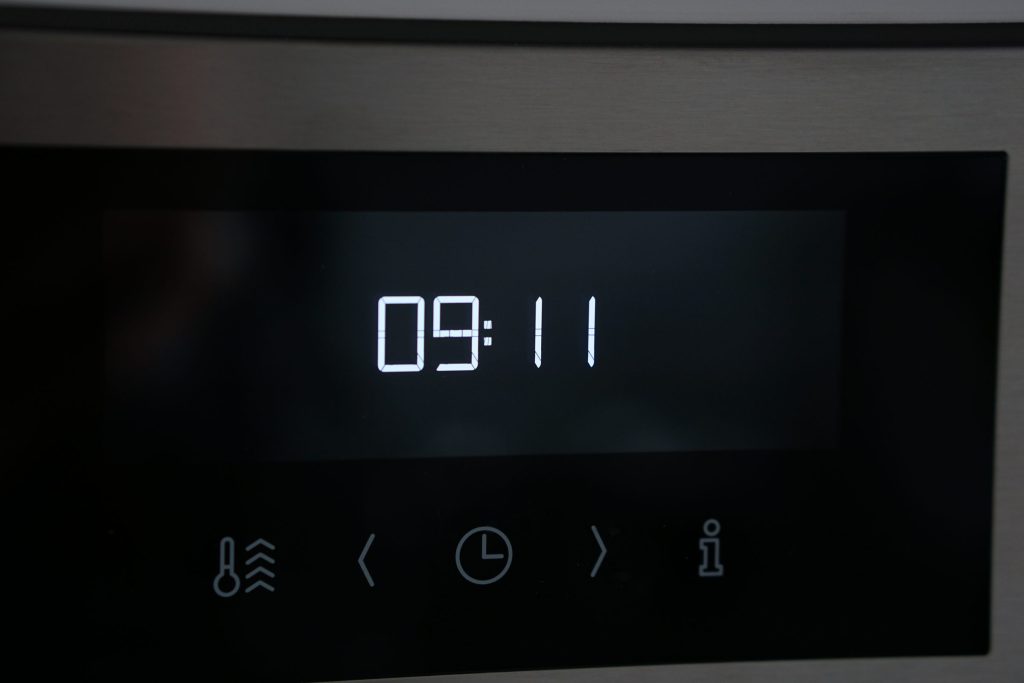
If your oven has no display at all, it still has a code. The Professional wall ovens without a screen blink it out on three small lights — left light, middle light, right light, one group of blinks per digit, then all three lit together for a second. Film one full sequence on your phone before you cut the power. How to count them.
The three resets, gentlest first
1. The oven's own controls
Switch it off at the panel, wait half a minute, switch it back on. This clears the working state without touching anything the oven has stored, and it is enough surprisingly often for a panel that is behaving oddly rather than one that is dead.
2. Five minutes at the breaker
Genuinely off, and genuinely five minutes. Built-in ovens are hard-wired, so there is no plug to pull — it is the breaker or nothing.
This is the reset that matters after a power event. It clears the transient conditions this city produces every storm season: a control that came back mid-cycle, a communication error between the two boards, a panel reading a key that nobody pressed.
3. Set the clock, and check the settings
Some ovens will not run a timed bake with an unset clock, which reads exactly like a broken oven to somebody who has just come home to a dark kitchen. While you are there, check the oven is not sitting in a demonstration or Sabbath mode — both survive an outage and both stop it heating.
The double-oven trap. One breaker frequently feeds both cavities, and a double-pole breaker can drop a single leg while still looking set. The symptom is memorable: the panel lights up perfectly, the clock is fine, and neither oven gets hot. Switch the breaker fully off and fully on rather than looking at it.
What a reset does not clear
Some conditions do not care how many times you cut the power, because they are not states. They are the oven correctly reporting something physical:
- A latch that will not lock or release. The self-clean latch has four published conditions of its own on this make, and none of them is cleared by a reset. If the door is locked shut, give it an hour with the oven cold and the door untouched before anything else — and do not pull at it.
- A temperature sensor reading open or shorted. The oven has no temperature to work from, or the wrong one. It will say so again on the next bake.
- A cavity that got too hot with the door unlocked. Treat that one as urgent rather than as a glitch: if the oven is heating with nothing selected, leave the breaker off and call.
- Cooling fan supervision. The fan is turning too slowly. It protects the cabinetry rather than the food, and it does not fix itself.
If your code is one of those, the reset has done its job — it has told you in five minutes that the oven is reporting a real condition, and it did so before anybody was booked.
After a surge specifically
Timing is worth telling us when you book. "It has been doing this for a month" and "it started the night the power went out" lead to different first checks, and the second one puts the boards at the top of the list rather than the bottom.
What we see after a bad storm season, in rough order of frequency: clocks and settings lost, panels reading phantom key presses until they are power-cycled, communication errors between the user interface and the control module, and — least often but not rarely — a control module that did not survive. The first three are free to clear. The fourth is a repair, and it is worth knowing that a board is the most over-diagnosed part in this trade: ask what was tested before it was named.
When to stop resetting and call
- The same code returns after a full five-minute reset
- The oven heats with nothing selected
- The door is locked shut and the oven is cold
- There is any smell of burning from behind the panel
- The panel is dead and the breaker is confirmed good
Tell us the model number, what the display says — or what the lights are doing — and whether it started with the outage. Those three things are usually enough for us to say what is likely and what it should cost before anyone comes out.
If it turns out to be a repair
What this leads to, and what it costs
Every job on this site is priced the same way: an on-site diagnostic first, the figure agreed in writing before anybody starts.
-
Often steam, not electronics Oven controls not responding
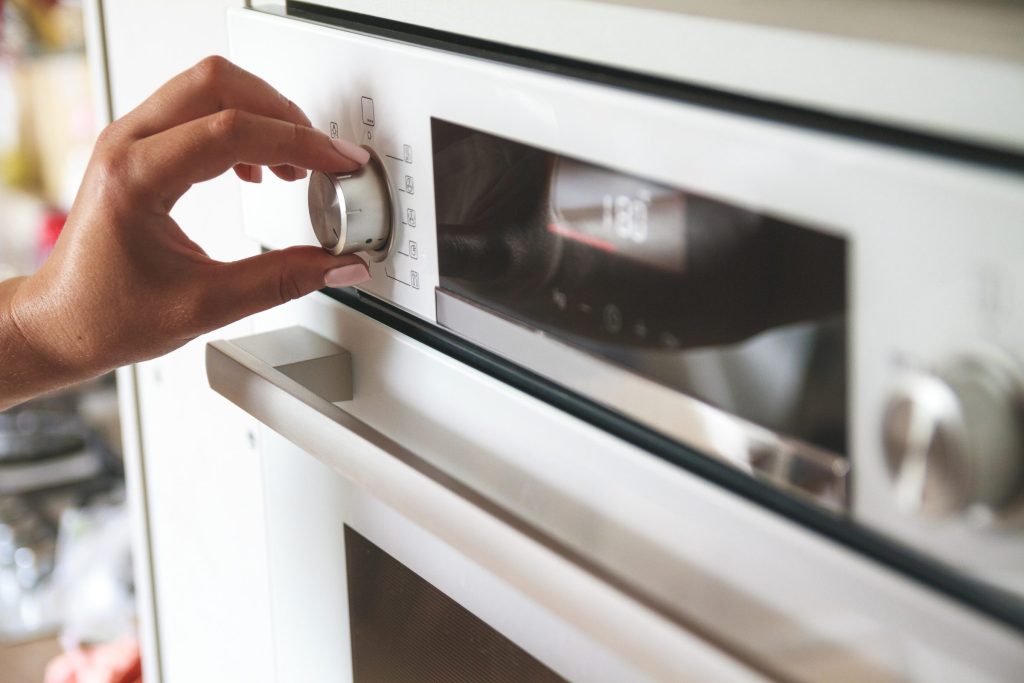
A touch panel that ignores you, repeats itself, or reports a key held down. On a panel above a cooktop the usual cause is condensation, and it clears when the panel dries.
- Panel unresponsive or erratic
- A code about a key being held
- Dead panel with no lights at all
-
The lights are the code Oven blinking lights and no display
On the Professional wall ovens without a digital display, three small lights blink out the digits of an error code. Count the blinks and you have a number you can look up.
- Three lights blinking in sequence
- A pause, then all three lit together
- No display and no code on screen
-
Masterpiece · Professional · Steam · Speed Wall ovens & steam ovens
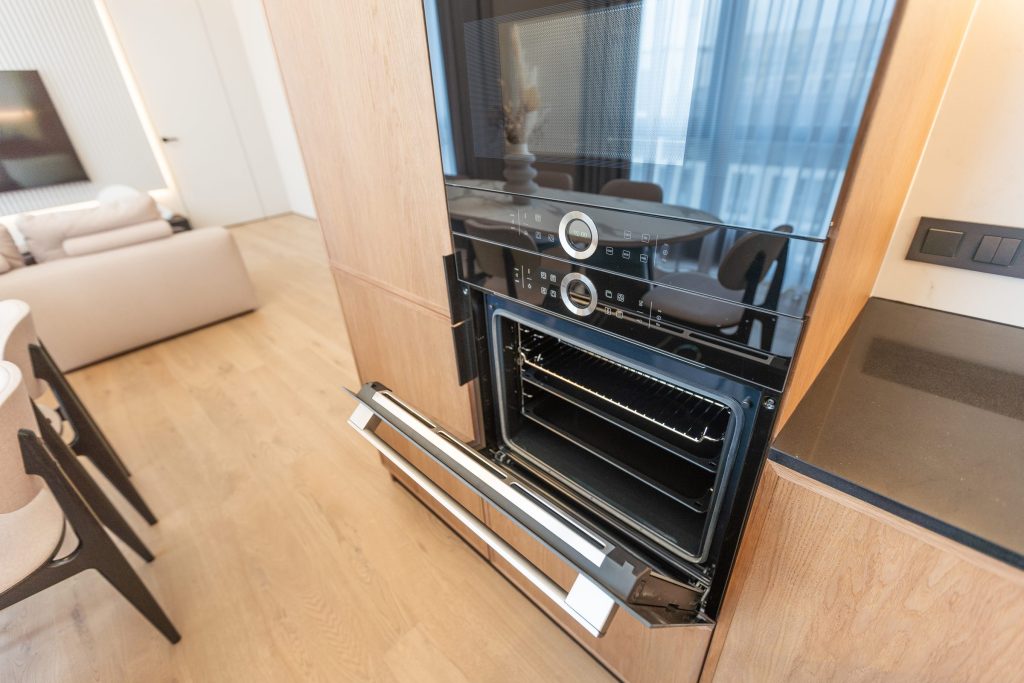
Built in at eye level, often two cavities in one cabinet, and increasingly one of the two is a steam oven with a water circuit of its own. "The oven is broken" almost always means one cavity of the pair, and which one narrows the job considerably.
- Not heating or not holding temperature
- The touch panel unresponsive after a long cycle
- The door locked after a self-clean
-
from $95 Diagnostic visit
We read the codes on site — including the ones a machine with no display blinks out — then test the circuit the code names before saying anything about the repair. The fee is credited toward the work when you go ahead.
- Codes and blink patterns read on site
- The circuit tested before a part is named
- Credited toward the repair
Questions people ask about this
Is thirty seconds enough?
Usually not. These controls hold enough charge to keep their state for longer than people expect, which is why a quick flick of the breaker often changes nothing and five real minutes often does.
My clock is flashing but the oven works.
Then nothing is wrong. The clock flashes because the oven lost track of the time, and on some models a timed bake will not start until it is set. Set it and carry on.
The oven came back in a demonstration mode.
It happens after a supply interruption on models that have one. It is a setting rather than damage — the oven heats nothing while it is on — and it is cleared from the settings menu or by a technician in service mode.
Nothing at all happened when the power came back.
Check the breaker properly: off and fully on again rather than looked at. A double-pole breaker can drop one leg, which leaves a panel that lights up and an oven that will not heat.
A code appeared that was never there before.
Surges produce them. Photograph it, run the five-minute reset, and see whether it returns. A code that survives that is telling you about the appliance rather than about the storm.
Troubleshooting
More guides like this one
-
Resetting a Thermador Induction Cooktop, and Reading Its F Codes
Induction cooktops lock out far more often than they fail, and which reset helps depends on which lockout you have. Child lock, wet panel, thermal protection and power limit — with the F codes that name each one.
Read more -
How to Reset a Thermador Dishwasher (and When a Reset Is the Wrong Move)
The reset most people are looking for is a cycle cancel. The one that helps is five minutes at the breaker. Both are here — along with the case where resetting is exactly the wrong move, because the machine has locked itself out over water.
Read more -

Resetting a Thermador Ice Maker, and Giving It Time to Work
Most ice-maker resets are done too soon. The manufacturer's own production figures first, then the reset itself — plus the filter registration and the ice shovel that stop production while looking like nothing at all.
Read more
Tell us the model number and what it is doing.
This article is based on:
- Official manufacturer documentation
- Internal repair procedures
- Technician repair history
- Company quality standards