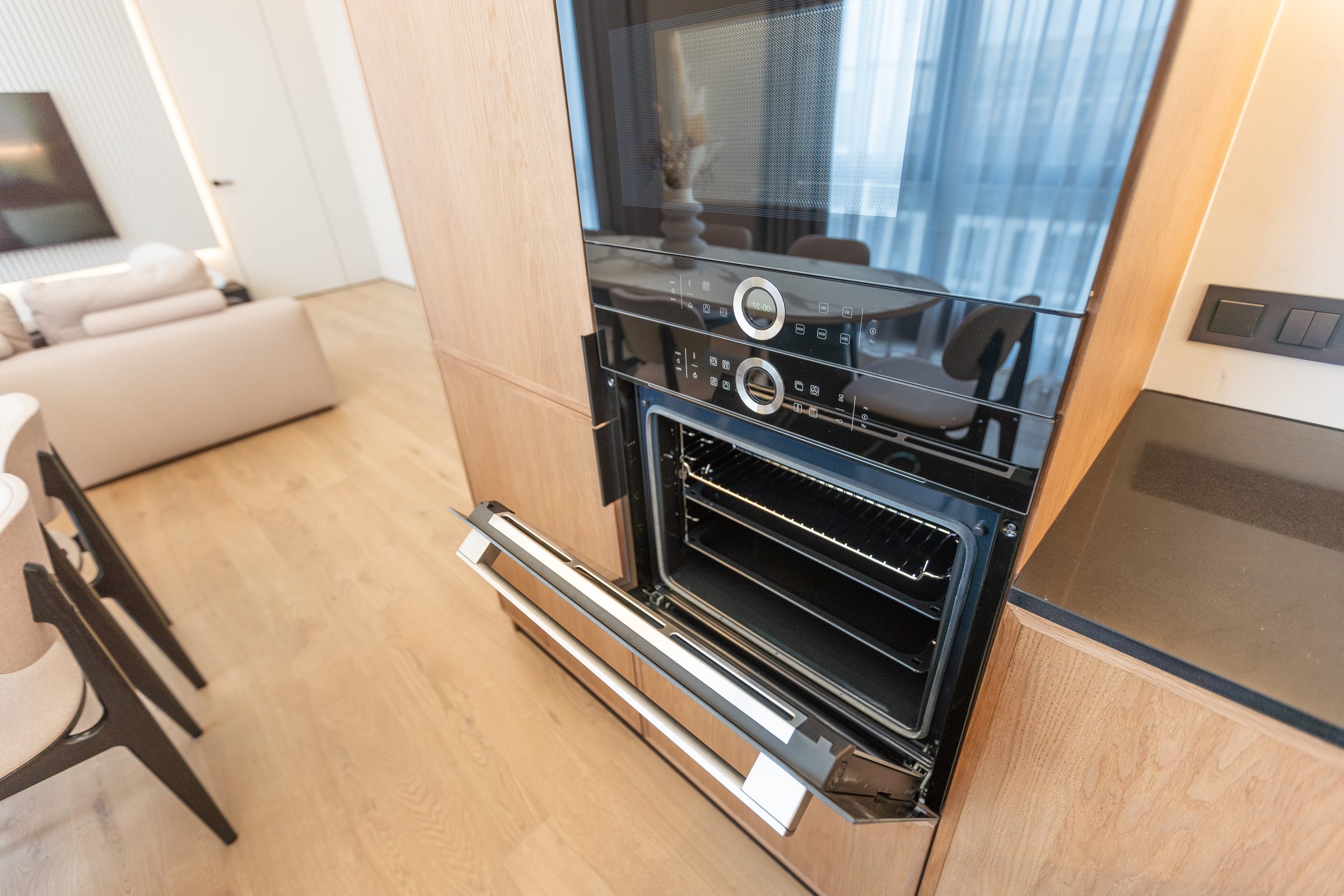
Error code
Thermador oven error code E011
Thermador error code E011: the panel is reading a single key as pressed and never released. What the code covers, what to check first, and what it does not tell you — on wall ovens & steam ovens.
- From $95 diagnostic, credited to the repair
- 59 cities and neighborhoods covered
- OEM parts available on order
- In writing the price, before anything is opened
What we can confirm
Code E011, from the manufacturer's own documentation
A code is only meaningful together with the generation showing it — the same two digits mean different things across generations.
The code
E011
The panel is reading a single key as pressed and never released
or call (305) 846-7685
What it narrows down to
One key held down
What you are probably seeing
Diagnostic
From $95, credited to the repair
What it looks like from the kitchen
The symptom this code usually arrives with
A code names the subsystem; the symptom is what sent you to look at the display in the first place. That page says what it usually turns out to be, cheapest cause first.
-
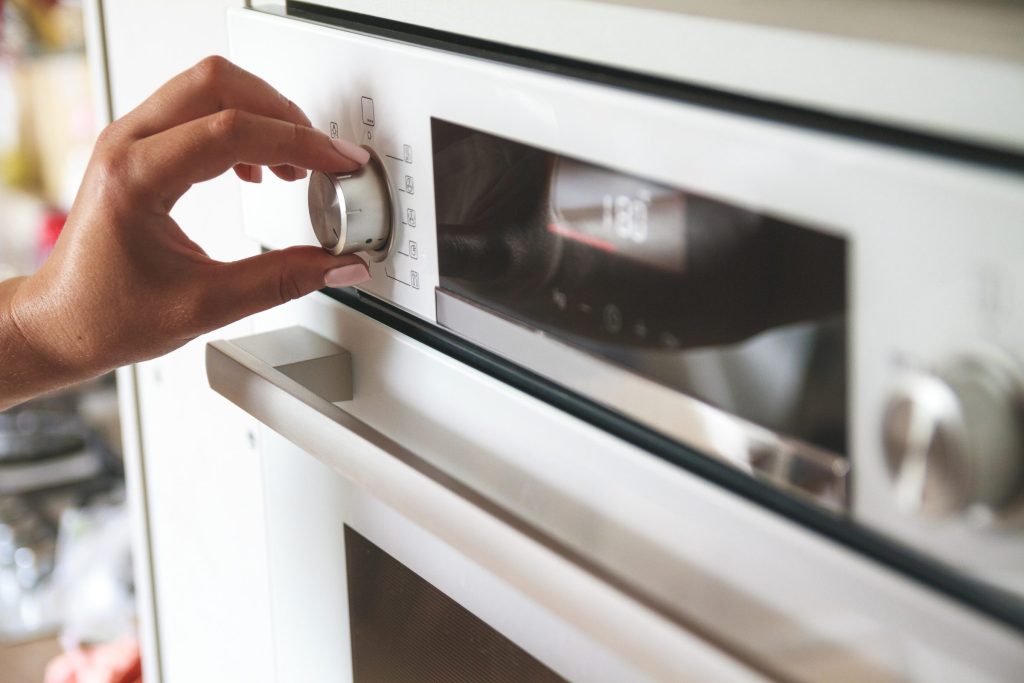
Often steam, not electronics Oven controls not responding
A touch panel that ignores you, repeats itself, or reports a key held down. On a panel above a cooktop the usual cause is condensation, and it clears when the panel dries.
- Panel unresponsive or erratic
- A code about a key being held
- Dead panel with no lights at all
In more detail
About Thermador oven error code E011
What this one means
The panel is reading a single key as pressed and never released. It is a code the manufacturer publishes for this appliance, not one we have worked out — and it is decoded here rather than left as three characters on a display.
The other ways your machine may say it
The same condition is published under more than one label, because it has been carried across generations of this appliance:
- Three LEDs on the panel blinking out the digits 0, 1 and 1 — how a model with no digital display says it. On that machine, the lights are the code
What the code covers
A published cause names a circuit rather than a component, which is the single most useful thing to know before ordering a part. This one covers:
- A wet, greasy or steam-covered touch panel
- Something resting against the controls
- The touch PCB behind the glass
What to try yourself
- Dry the panel and wipe it with a soft cloth — steam from a pan below is the usual reason
- Check nothing is leaning on the controls, including a towel over the handle
Then what
The manual's own instruction is to inspect the user interface assembly and the touch PCB, so a panel that keeps reporting a stuck key after it is dry is a part rather than a habit.
This code is published for wall ovens & steam ovens. The full list of codes has the rest of them, searchable, including the labels older and newer machines use for the same conditions.
This article is based on:
- Official manufacturer documentation
- Internal repair procedures
- Technician repair history
- Company quality standards